
Chess
Chess PrinceBoard
4.629.56K Reviews
- Version
- 2.9.8
- Installs
- 100.00M
- Age Rating
- Everyone
Screenshots
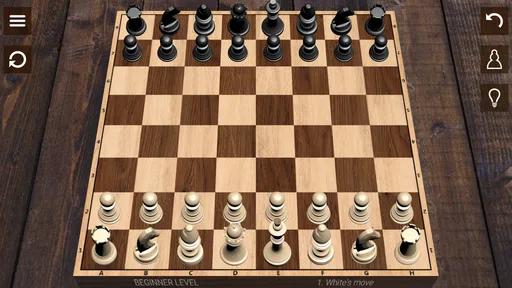
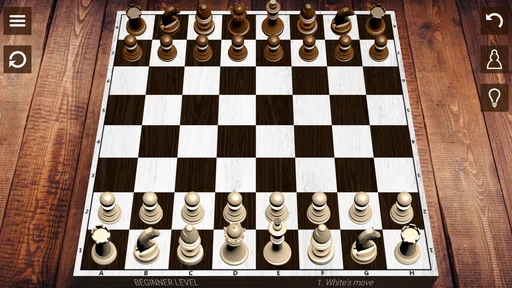
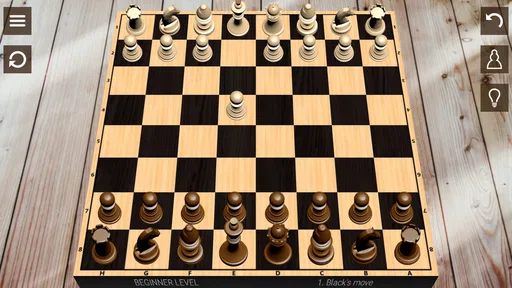
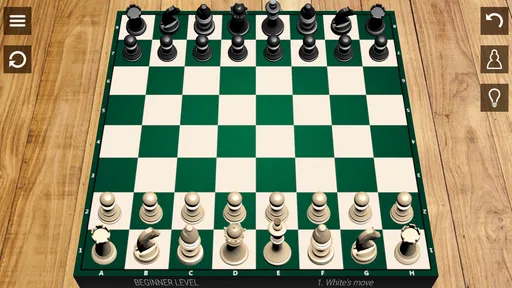
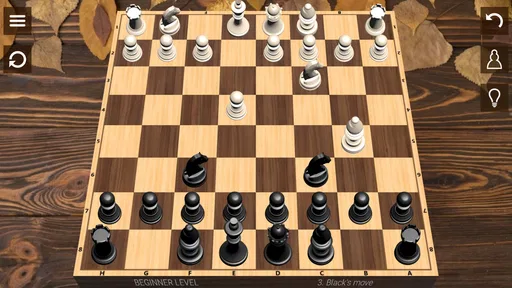
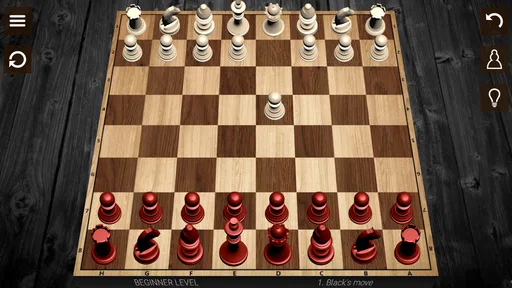
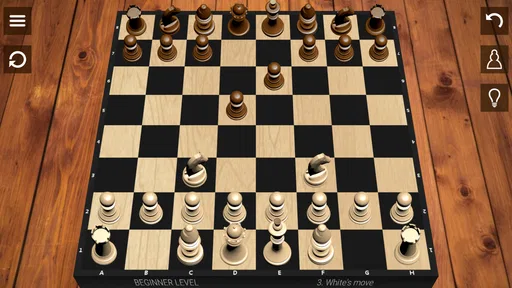
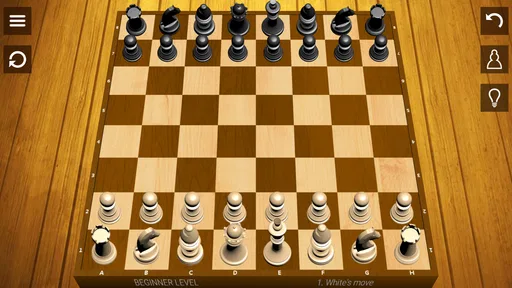
Our Review of Chess
 Analysis by Appyee
I like phone chess most when it makes it easy to play a thoughtful game in a small pocket of time, without turning every move into a commitment. Chess gives the familiar board a mobile home, and its focus on progressive levels makes it approachable if you are returning to the game or learning the basics. I would treat it as a convenient way to practise and enjoy chess, rather than assuming a phone app can replace every kind of club, lesson, or serious study.
A board game built around gradual progress
The central appeal here is the idea of moving through increasingly demanding play. In practice, that can give a newer player a manageable next step: try a position, notice what went wrong, and come back ready to think one move further ahead. Chess rewards patience more than quick tapping, so a gradual challenge is useful when it encourages you to pause and consider the opponent’s reply instead of moving pieces at random.
That structure also suits someone who already knows how the pieces move but has not built consistent habits. I find it helpful to set a small goal before opening a game, such as checking whether a piece is protected or looking for a threat before making a capture. A board on a phone is especially handy for repeating that routine during a short break; the benefit comes from paying attention, not from squeezing in as many moves as possible.
What a short session can teach
For a practical routine, I would start with one focused game rather than several rushed ones. After a mistake, replay the position mentally: what did I expect my opponent to do, and what did I overlook? Even without turning a session into formal study, that quick review can make the next game more purposeful. The progressive-level idea works best when you let yourself stay with a challenge long enough to understand it, rather than treating each win as a reason to race ahead.
Chess is made by Chess Prince and is a free board game, with optional in-app purchases listed from $0.99 to $4.99 per item. It is rated Everyone, and the current version is 2.9.4; the game requires Android 6.0 or later. Its broad appeal is reflected in an average rating of 4.5 from around 2.1 million ratings, alongside more than 100 million installs. Those figures suggest that many people have tried it, but they do not tell you whether its particular style will suit your own preferences.
The First Impression
From the moment you open the app, you're greeted with a sleek and minimalist interface that feels very welcoming. The developers have done a great job of making sure that you’re not overwhelmed with too many options right off the bat. It’s like walking into a cozy cafe where the chess pieces are already set up, just waiting for you to make the first move.
One of the first things I noticed was how intuitive the app is. Whether you’re a seasoned player or just starting out, the navigation makes it easy to find your way around. You can jump into a game, watch tutorials, or even join a community of chess enthusiasts without any hassle.
Game Modes Galore
One of the standout features of the Chess app is its variety of game modes. You can choose from playing against the AI, taking on challenges, or even competing with players from around the world. The AI mode is particularly impressive, offering different levels of difficulty to match your skill level. It’s perfect for those times when you want to practice without the pressure of playing against another human.
For those who thrive on competition, the online multiplayer mode is a real treat. You can test your skills against players from different parts of the globe, making every game a unique experience. Plus, there's a ranking system that adds a layer of excitement as you climb the ladder and improve your rating.
Learning and Improving
Now, if you’re like me and always on the lookout to improve your game, the Chess app has got you covered. It offers a plethora of tutorials and exercises that cater to various skill levels. I found the lessons to be quite engaging, breaking down complex strategies into simple, digestible pieces. It's like having a chess coach in your pocket, ready to guide you whenever you need a tip or two.
Moreover, the app provides detailed game analyses, helping you understand your mistakes and highlighting areas for improvement. This feature is especially useful if you’re serious about honing your chess skills and climbing the ranks.
Community and Tournaments
One of the things I absolutely love about the Chess app is the sense of community. It’s not just about playing games; it’s about connecting with fellow chess lovers. The app hosts regular tournaments, which are a fantastic way to meet new players and challenge yourself. Plus, there’s an active chat feature that allows you to discuss strategies, share tips, and even make new friends.
The tournaments vary in format and difficulty, ensuring that there’s something for everyone. Whether you’re a casual player or a competitive one, you’ll find an event that suits your style.
The Aesthetic and Experience
Let’s talk about the graphics and overall user experience for a moment. The Chess app boasts clean, crisp visuals that make the game board and pieces stand out. The animations are smooth, and the sound effects add a nice touch, enhancing the immersive experience without being distracting.
Customization options are also a nice touch. You can choose different board themes and piece designs to suit your mood or style. It’s these little details that make the entire experience more personal and enjoyable.
The Verdict
In conclusion, the Chess app is a fantastic tool for anyone interested in the game, whether you're a beginner or a seasoned player. It manages to strike a perfect balance between being educational and entertaining. The variety of game modes, the depth of learning resources, and the vibrant community make it a must-have for chess enthusiasts.
With its user-friendly interface, engaging features, and robust community, the app not only brings the classic game of chess into the modern era but also makes it accessible to everyone. If you’re looking to dive into the world of chess or simply want to have fun playing a strategic game, this app is definitely worth a download.
Choosing the right kind of session
A useful way to get more from a mobile chess game is to match the session to the time and attention you actually have. If you only have a few minutes, a brief practice session against the computer is less awkward than starting a human game you may need to leave. If you can settle in without interruptions, playing another person can be more rewarding because you have to respond to an unpredictable style, not just solve the board in isolation.
For example, imagine waiting for an appointment with a little time to spare. I would use that moment to work through a single challenge or practise a familiar opening idea, then stop when I need to go. Later, with a quieter stretch free, I might choose a full game and review the decisions that felt uncertain. Keeping those purposes separate helps prevent casual play from becoming a string of hurried moves.
Where it sits among chess options
Compared with a physical board, a phone version is easier to carry and lets you begin without finding another player or setting anything up. The trade-off is that a screen can make it harder to scan the whole position at once, especially if you are used to moving pieces by hand. I recommend slowing down and checking the far side of the board before committing to a move; that small habit counters the tendency to focus only on the piece you are touching.
Compared with a chess clock and an in-person match, an app is convenient for practice but does not reproduce the same social atmosphere or the feel of an opponent sitting across from you. And if your main goal is deep, structured coaching, a dedicated course or a human teacher may offer a clearer curriculum than a general game app. I see this game as a flexible place to play and build routine, not a substitute for every learning format.
Small habits that make the board more useful
Before moving, I try to ask three questions: is my king exposed, is one of my pieces undefended, and what can the opponent threaten next? It is a simple checklist, but it makes a phone session less like tapping through a game and more like deliberate practice. When I lose a piece, I focus on the decision that left it vulnerable rather than blaming the final blunder alone. That approach is more useful for a beginner than memorizing a long sequence of moves without understanding why it works.
Another practical tip is to avoid changing your goal mid-session. If you opened the game to practise patience, resist rushing because the position looks quiet. If you want a competitive test, accept that a loss may be part of the exercise instead of switching immediately to an easier challenge. Progressive difficulty can be motivating, but advancing too quickly may turn a learning tool into a sequence of confusing defeats; staying with a level until your decisions feel more reliable is often the better choice.
Who will enjoy it, and who may not
I would recommend it most to casual players, beginners who want a low-pressure way into chess, and returning players who need a convenient board for regular practice. The free entry makes it easy to try before considering any optional purchase. Its Everyone age rating also makes the subject matter broadly approachable, though a parent should still decide whether online interaction is suitable for a child in their care.
It is less compelling if you dislike turn-based thinking, want a fast action game, or find that playing on a small screen strains your attention. It may also frustrate a player who wants a tightly guided training plan above all else. In those cases, a physical set, a structured lesson, or a different kind of game may be a better fit. My overall view is that this is a handy companion for making chess part of ordinary downtime, as long as you bring curiosity and patience rather than expecting the app to do the thinking for you.
Privacy and Permissions
See what permissions an app requests and how it handles your data.
- Other
- view network connections, full network access, prevent device from sleeping
Verdict
Strengths of Chess
- Intuitive user interface enhances experience.
- Wide range of difficulty levels available.
- Engaging tutorials for beginners.
- Multiplayer mode connects global players.
- Customizable board and piece designs.
Limitations of Chess
- Occasional connectivity issues in multiplayer.
- In-app ads can be distracting.
- Limited free features without subscription.
- Some puzzles are too challenging for novices.
- Battery drain on prolonged use.
Similar Picks in This Category
View All
Ludo King®
Gametion4.1

Ludo
Yarsa Games4.6

Tile Master® - Matching Game
Higgs Studio3.6

Checkers Online
CC Games4.6

Dominoes
Loop Games4.7

Ludo Superstar - Fun Game
BlackLight Studio Games4.6
Frequently Asked Questions
What is the main objective of the Chess app?
The Chess app is designed to provide users with a comprehensive platform to play chess against AI or real opponents. It offers various difficulty levels, tutorials, and strategies to improve your game. Whether you're a beginner or an advanced player, the app aims to enhance your chess skills through interactive gameplay.
Is the Chess app suitable for beginners?
Yes, the Chess app is perfect for beginners as it includes tutorials and a range of difficulty levels. The app provides step-by-step guidance and tips to help new players understand the basics and develop their strategies. Additionally, its user-friendly interface makes learning chess enjoyable and engaging.
Can I play against friends using the Chess app?
Absolutely! The Chess app allows you to play against friends by inviting them to a match. You can connect through social media or send an invitation link directly. This feature enhances the competitive aspect of the game, enabling you to enjoy chess with people you know and improve your skills together.
Does the Chess app require an internet connection?
While the Chess app offers both online and offline modes, an internet connection is necessary for online multiplayer matches and leaderboard features. However, you can practice against the AI or play single-player games without an internet connection, making it convenient for on-the-go gameplay.
Are there in-app purchases in the Chess app?
Yes, the Chess app includes in-app purchases. These may offer additional features like advanced tutorials, exclusive board designs, or ad-free experiences. While the core functionality is free, these optional purchases can enhance your gaming experience by providing more customization and educational resources.
Play our best games!


